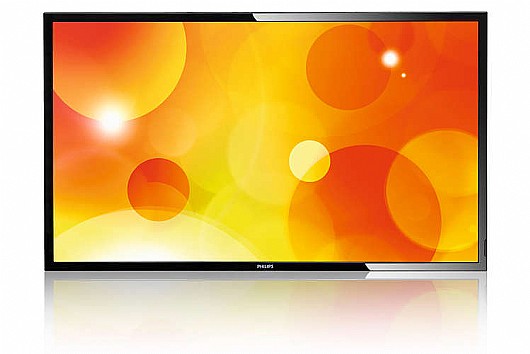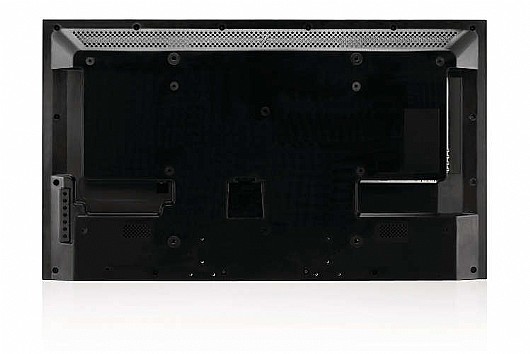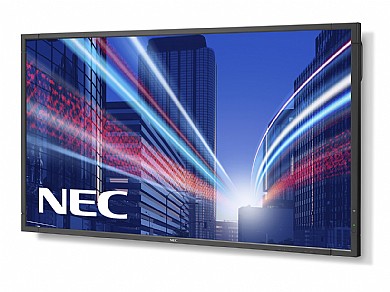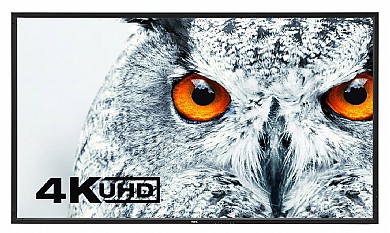
öâ î÷öåòé "65 Philips 65BDL3000Q

äöâ úåëï çã åáøåø áàåôï éåúø éãéãåúé ìñáéáä áòæøú ñãøú äîñëéí Q-Line îáéú Philips.
öåø, ðäì åùìåè áúåëï ùìê á÷ìåú åáðåçåú òí CMND ùì Philips, àúä éëåì âí ìäòìåú àú äúåëï ùìê åìðäì àåúå áòðï òí ãôãôï HTML5 îåáðä àå ùúùîåø àåúå á- 8GB ùì æéëøåï ôðéîé îåáðä ùîáèéçéí ùäúåëï ùìê úîéã éäéä îåöâ âí àí äøùú ÷åøñú.

îàôééðéí åùéãøåâéí:

ôøèéí ðåñôéí:

  • àçøéåú: 12 çåãùéí
  • æîï àñô÷ä: òã7éîé òñ÷éí
  • ãâí: 65BDL3000Q/00
ì÷áìú ôøèéí ðåñôéí éù ìäú÷ùø ì03-6909700
  • +
  • -
visaisracardmastercarddinersamerican express
  • 16/7

Intensify your signage experience

With priceless performance

  • CMND: Take control of your displays

    CMND: Take control of your displays

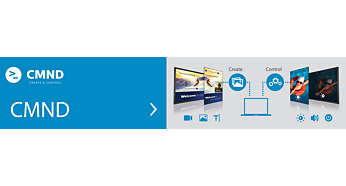
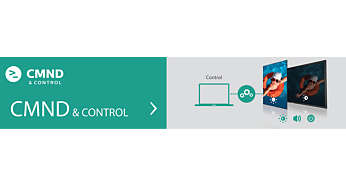
    A robust display management platform, CMND puts the power back into your hands. Update and manage content with CMND & Create or control your settings with CMND & Control. It's all possible with CMND.

  • Manage settings of multiple displays with CMND & Control

    Manage settings of multiple displays with CMND & Control

    With CMND & Control, easily manage multiple displays in a central location. With real time display monitoring, setting and software updates from a remote location, and the ability to customize and configure multiple displays at once, such as video wall or menu board displays, controlling your suite of displays has never been easier.

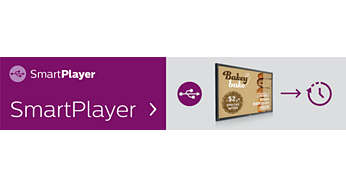
  • Schedule what you want, when you want with SmartPlayer

    Schedule what you want, when you want with SmartPlayer

    Turn your USB into a true cost effective digital signage device. Simply save your content (video, audio, pictures) on your USB and plug into your display.Create your playlist and schedule your content via the on screen menu, and enjoy your own created playlists anytime, anywhere.

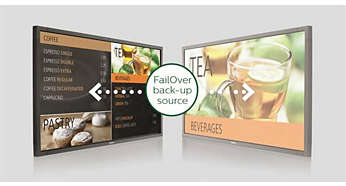
  • Keep your content up and running with FailOver

    Keep your content up and running with FailOver

    Keeping your content up and running is critical for demanding commercial applications. While it is unlikely you will face a content disaster, FailOver provides content protection with a revolutionary technology that plays back-up content on screen in the event of a media player failure. FailOver automatically kicks in when the primary input fails. Simply select a primary input connection and a FailOver connection and your ready for instant protection.

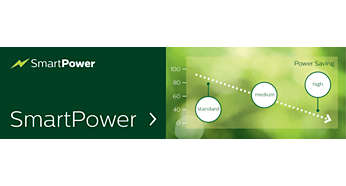
  • SmartPower for energy saving

    SmartPower for energy saving

    The backlight intensity can be controlled and pre-set by the system to reduce the power consumption by up to 50%, which saves substantially on energy costs.

  • Connect and control your content via the cloud with HTML5

    Connect and control your content via the cloud with HTML5

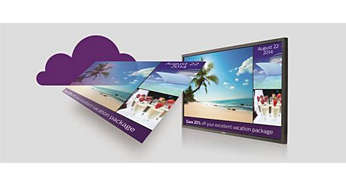
    Connect and control your content via the cloud with the integrated HTML5 browser. Design your signage content online and connect it with a display or with your complete network. Simply plug in a RJ45 internet cable for network connection, connect the display with the dedicated url-address and you are ready to play your cloud based content.

  • Simplify meetings with FailOver for conferencing

    Using FailOver, simplify your presentations and videoconferencing. When a meeting or conference room is not in use, background content can run from whatever input source you choose. When the meeting starts and you need to share a presentation or your screen, simply connect your computer and the display automatically switches inputs and shows what's on your screen, with no need to manually switch inputs.

  • Full HD LED for brilliant images with incredible contrast

    Picture Quality matters. Regular displays deliver quality, but you expect more. Imagine crisp detail paired with high brightness, incredible contrast and realistic colors for a true to life picture.

  • Create and update content with CMND & Create

    Design and create compelling content with CMND & Create, a powerful authoring tool. With a drag and drop interface, preloaded templates, and integrated widgets, you'll be able to amaze your customers with compelling content.

éöøï: Philips
âåãì îñê: "65
øæåìåöéä î÷ñéîìéú: 1920x1080
øåçá îñâøúÒÑ(BEZEL): 10-14mm
USB 2.0: 1
ðéâåãéåú: 1:3000
áäéøåú: 350nits
øî÷åìéí: îåáðä
çéáåøéí: HDMI, DVI, VGA, DP, Composite
æîï äôòìä øöåó: 16 ùòåú áéîîä

çååú ãòú òì äîåöø

îîåöò ãéøåâ îåöø ( çååú ãòú âåìùéí) , ëúåá çååú ãòú ìîåöø
ñîï àú äîåöøéí ùáøöåðê ìäåñéó åìçõ òì ëôúåø

ì÷åçåú ùøàå îåöø æä ÷ðå âí...

ìà îöàúí àú îä ùçéôùúí? äùàéøå ôøèéí åðçæåø àìéëí áä÷ãí!

äùàéøå ôøèéí åðçæåø àìéëí áä÷ãí

äöèøó ìîåòãåï äì÷åçåú ùìðå